
Within the board, the navigation pane on the left hand side of the screen will show notifications for each of the user types in your discussion board. Speech bubbles will appear with a number beside them to indicate if and how many new posts are in your questions.
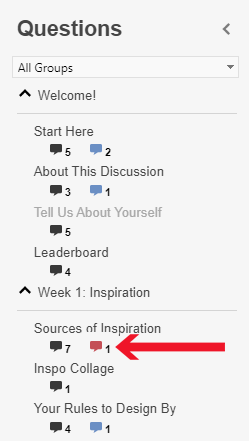
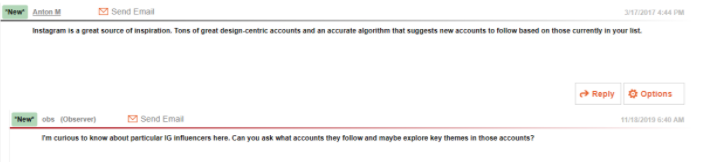
Red speech bubbles are an indicator that there are new observer posts within the question that you have not looked at. Clicking a bubble will take you to any new observer posts in that question as well as whatever post(s) they were in response to.
Comments
0 comments
Please sign in to leave a comment.